StudioCincy
Publisher Description


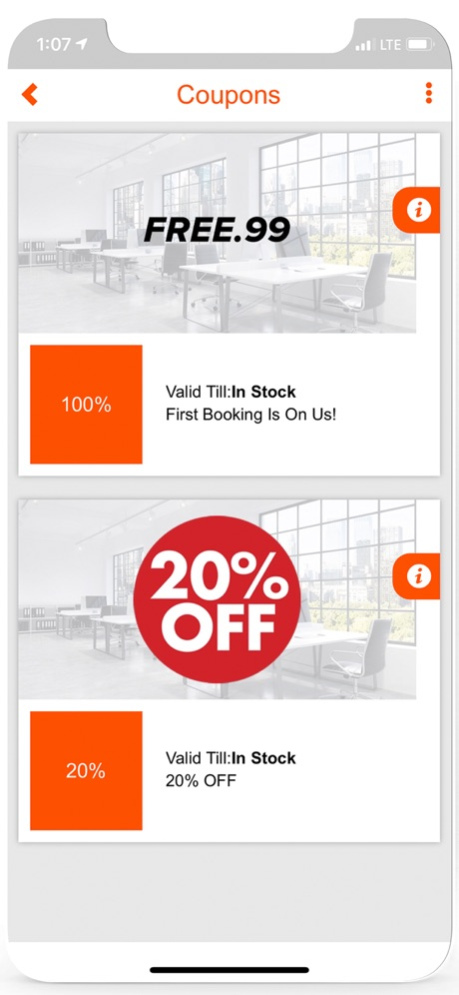

The StudioCincy App lets members tap into our 24/7 photo & video rental studio and collaborative workspaces for creatives, entrepreneurs, start-ups, and freelancers.
The StudioCincy App lets members tap into our photo & video rental studio and collaborative workspaces for creatives, entrepreneurs, start-ups, and freelancers looking for a cost-effective and motivational environment to get their work done.
- 24/7 Access
- 24/7 On-Site Security
- 24/7 Free Parking
- Online Booking
- Free High-Speed Wi-Fi
- Photography/Videography Studio
- Private Offices
- Workspaces
- Professional Equipment Rentals
- Controlled Environment for Creatives
- Game/Lounge Room
- Free Snacks & Beverages
Not a member? Learn more at studiocincy.com on how to join the community today.
About StudioCincy
The company that develops StudioCincy is Joshua Reid. The latest version released by its developer is 1.0 .
To install StudioCincy on your iOS device, just click the green Continue To App button above to start the installation process. The app is listed on our website since 2024-04-02 and was downloaded 1 times. We have already checked if the download link is safe, however for your own protection we recommend that you scan the downloaded app with your antivirus. Your antivirus may detect the StudioCincy as malware if the download link is broken.
How to install StudioCincy on your iOS device:
- Click on the Continue To App button on our website. This will redirect you to the App Store.
- Once the StudioCincy is shown in the iTunes listing of your iOS device, you can start its download and installation. Tap on the GET button to the right of the app to start downloading it.
- If you are not logged-in the iOS appstore app, you'll be prompted for your your Apple ID and/or password.
- After StudioCincy is downloaded, you'll see an INSTALL button to the right. Tap on it to start the actual installation of the iOS app.
- Once installation is finished you can tap on the OPEN button to start it. Its icon will also be added to your device home screen.
